
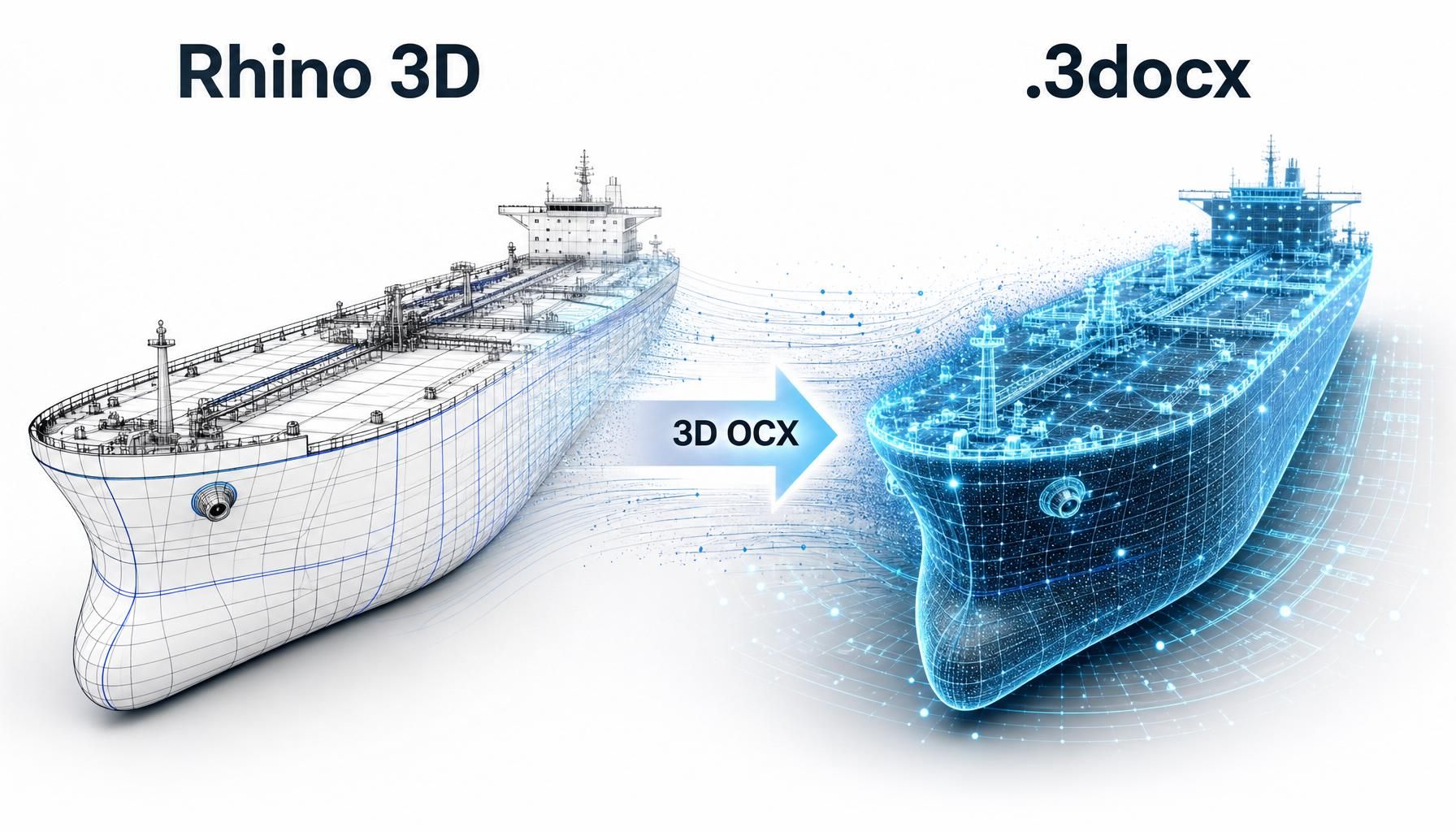
OCX Converter
Model hull structure in Rhino8 or import your own 3D models and export it as OCX, the open 3D format for class review. Send 3D model to DNV and BV instead of 2D drawings.
The problem
Class approval still runs on 2D drawings. Every design change means re-drawing, re-checking and re-submitting sections that already exist in your 3D model. That costs drafting hours and adds approval rounds.
How it works
- Import or model – import existing ship geometry in IGS or STEP format, or model in Rhino.
- Assign properties – plates, stiffeners, materials and functional types, stored on the objects. Mostly automatic depending on your 3D modelling style.
- Export OCX – one click exports a OCX schema-compliant .3docx file.
- Submit – send the model to class for 3D review in their own tools.
Key features
- Native Rhino 8 plug-in – no separate CAD system to learn
- Plates, stiffeners, profiles and materials mapped to the OCX schema
- Import of existing OCX models to Rhino8
- OCX validation before export, so errors are caught in Rhino, not by class
- 3D model viewer in the bundle – view OCX and other 3D formats
Who it’s for
Design offices and shipyards that already model in 3D but make their class submissions as 2D drawings, or want to start with 3D workflows with Rhino 8 as a lighter alternative to full shipbuilding CAD suits.
FAQ
Do I still need 2D drawings?
For 3D-based approval, far fewer. The exact scope depends on the class society and vessel type.
Can I see it first?
Yes – request a demo and we will get in touch with you!
Is it easy to use?
Yes! OCX Converter is developed to do the most difficult part – OCX schema compatibility – automatically.
How is it licensed?
Per-seat annual licenses. We also offer 3D model conversion as service. Contact us for a quote.
See your own model as OCX
Send us your 3D model and we’ll walk you through the result.